Fix false positives
A guardrail blocked something it should not have. Mark it, then fix it narrowly instead of turning the guardrail off.
Find the blocked run
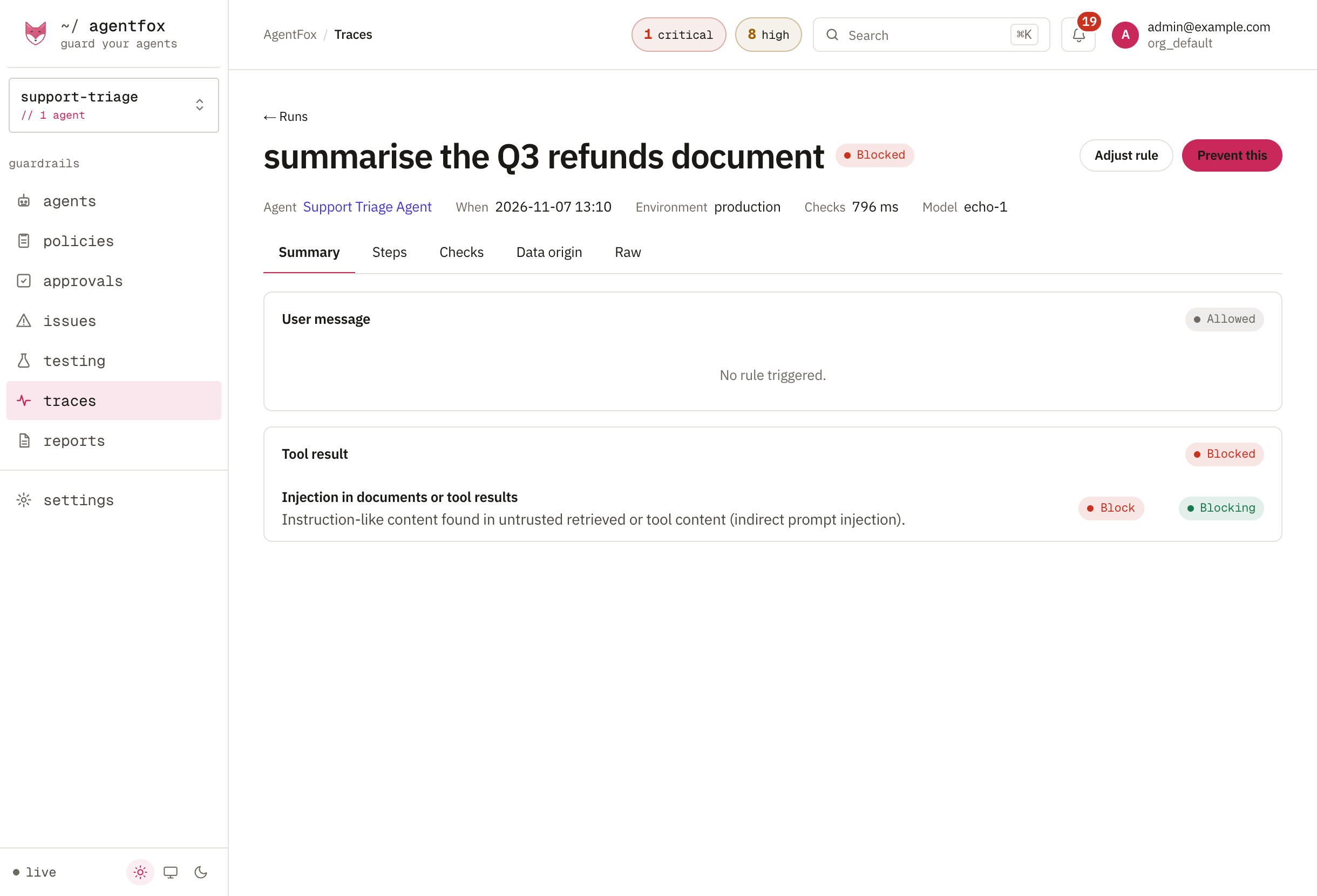
Open Traces and the run that was blocked. The run shows each check, what it found and why the call was stopped.
Mark the detection wrong
On the run's Checks tab, press Wrong next to the detection. Press Correct on the ones that were right: a better threshold needs both. Marking changes nothing by itself.
Lower the sensitivity, or add an exception
For many similar cases, open the rule on Policies, press Change, and pick a lower Sensitivity. Choose Only some agents to change it for one agent.
For one case, go to Settings → Detection → Detector tuning. Under Feedback, press Suppress 30 days on your mark. The exception covers that check and agent, and it expires.
Check before you apply
A sensitivity change is replayed against the agent's last 7 days before you press Apply. It says how many calls would be newly blocked or newly allowed. If the newly allowed ones include real attacks, use an exception instead.
Keep exceptions honest
- Every exception expires. Detector tuning lists them with their hits and a Revoke button.
- An exception that is never used is marked Never used. Revoke it.
- Creating and revoking exceptions needs owner, admin or security. Marking a detection does not.
If something goes wrong
| You see | Do this |
|---|---|
| insufficient data | Mark at least five detections for that check, wrong and correct together. |
| Still blocked after an exception | Another finding on the same message also met the rule. Mark and suppress that one too. |
| Tool access refuses a call | That is not a detector. Fix it on the agent's Access page. |