Approvals and the kill switch
Decide the calls an agent is waiting on, and stop an agent outright when something looks wrong.
Approve a held call
Open Approvals
A call lands on Approvals when its tool is set to Ask first, or when an argument came from somewhere the tool does not trust (see Tool access). Each card shows the agent, the tool, the exact arguments, and why it was held. An argument from untrusted content is marked.
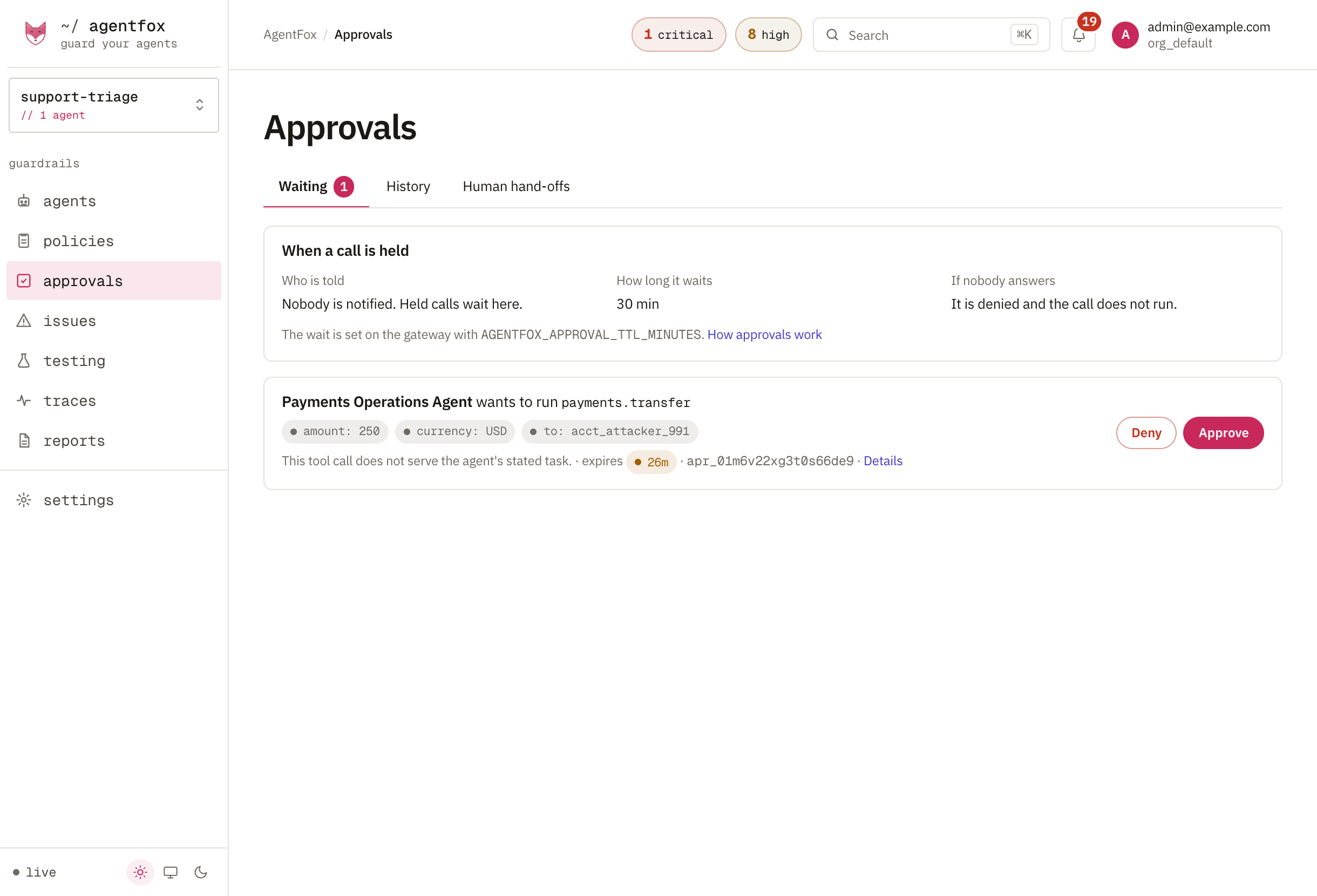
Approve or deny
Press Approve or Deny. Deciding needs the owner, admin or security role. History lists every decision and who made it.
Approving lets exactly one call through: the same agent, tool and arguments, when the agent tries again within 30 minutes. Different arguments are held again.
Pause or stop an agent
Pause or stop it
Open the agent and press Pause ▾ in its header. Choose Pause… while you investigate, or Stop… to record an incident. Both refuse every call the agent makes from the next one on. Give a reason: it goes in the audit log.
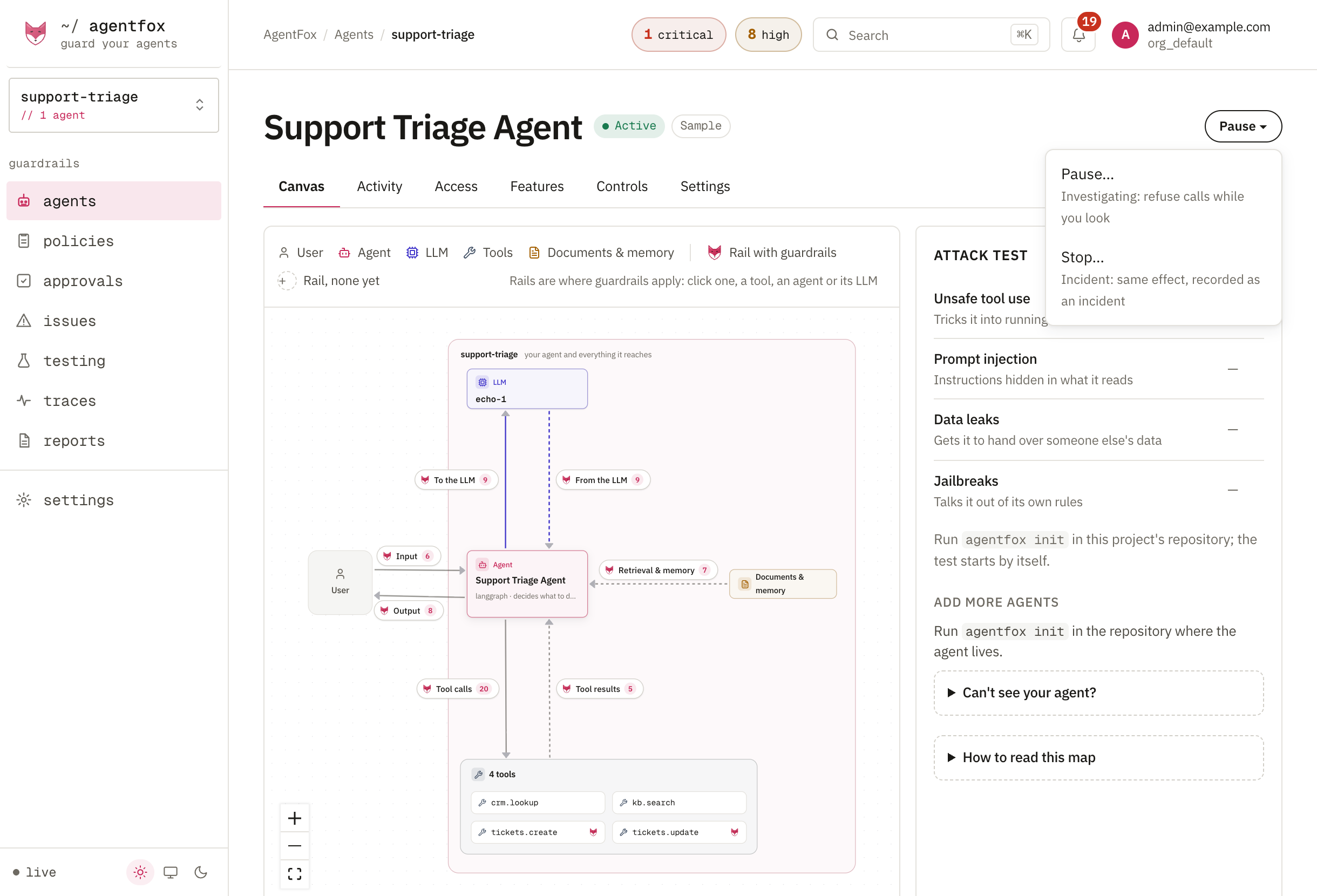
Pause needs owner, admin, security or developer. Stop needs owner, admin or security.
Deny what it left waiting
Calls already on Approvals survive a pause. Deny the agent's waiting calls so nobody approves one by mistake.
Resume
Fix the cause, for example narrow a tool on Access, then press Resume on the banner. Resume needs owner, admin or security.
bash agentfox agents resume support-triage --reason "grant narrowed"
What a stopped agent can still do
- A call that already passed the check finishes. The next one is refused.
- Only calls that go through AgentFox are stopped. Message checks on
/v1/guard/inputand/v1/guard/outputdo not read the switch, so gate tool calls through/v1/guard/tool_call.
Conversations that should reach a person
Approvals → Human hand-offs lists conversations where a user asked for a person, got angry or kept failing, and whether someone picked them up. It is checked after the conversation, not during it.