LiteLLM proxy
Add AgentFox to your LiteLLM proxy's config, and every agent behind the proxy is checked without changing any of them.
Before you start
- A workspace key: the one from Create a key on the Agents page, or a new one under Settings, API keys.
Install on the proxy's machine
bash pip install agentfox export AGENTFOX_URL=https://… export AGENTFOX_API_KEY=nom_api_…Add the guardrail to config.yaml
config.yaml guardrails: - guardrail_name: agentfox litellm_params: guardrail: agentfox.frameworks.litellm_guardrail.AgentFoxGuardrail mode: [pre_call, post_call] default_on: true api_base: os.environ/AGENTFOX_URL api_key: os.environ/AGENTFOX_API_KEYName your agents
Each call is recorded against an agent:
agentin the config, elsemetadata.agentfox_agenton the request, else the LiteLLM key's alias, elselitellm. Giving each agent its own LiteLLM key is usually enough.Restart the proxy and send a request
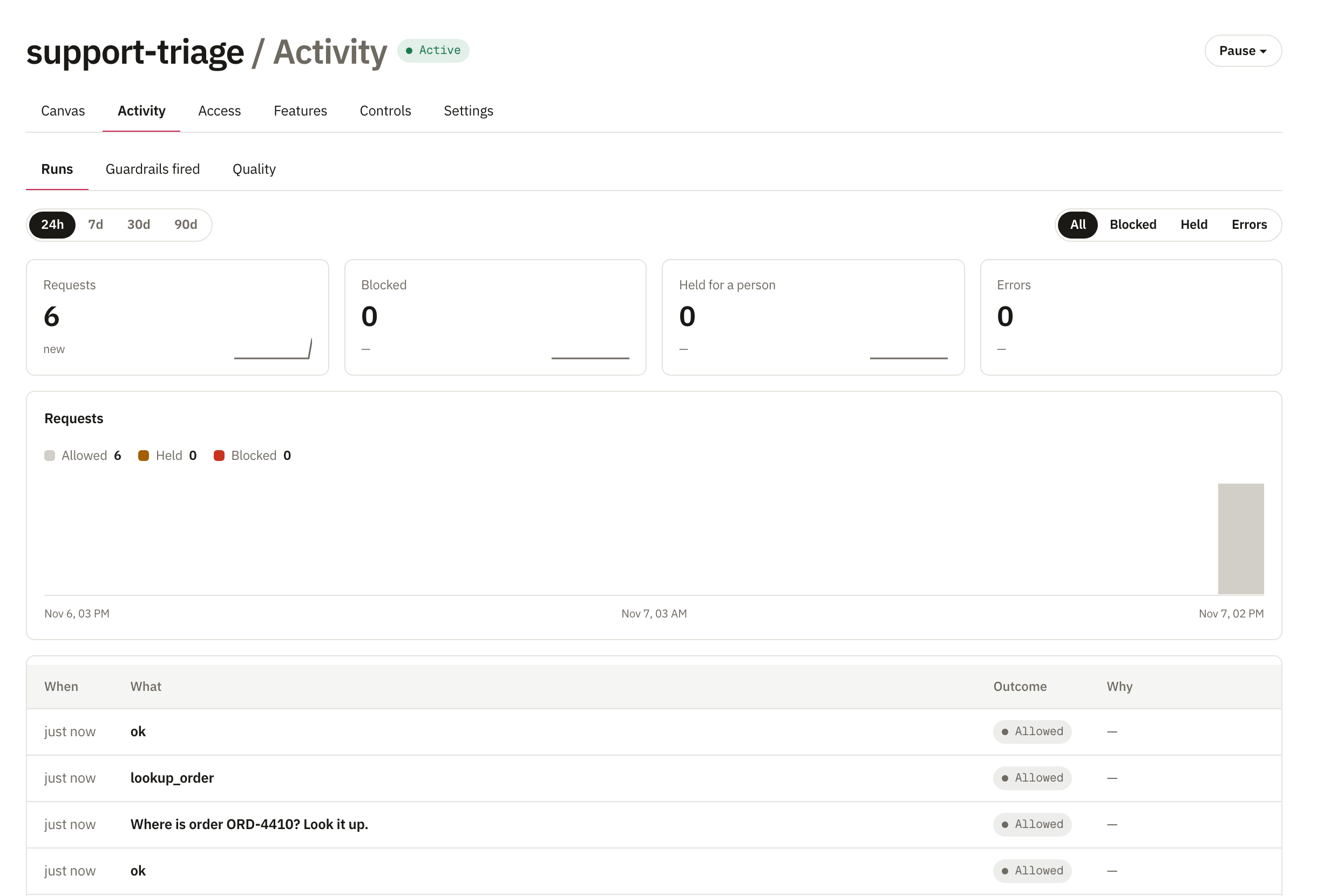
The call shows up on the agent's Activity tab with the checks it went through.
What is checked
| When | What |
|---|---|
| Before the model | The newest user message and every tool result, for prompt attacks, secrets and personal data. |
| After the model | Each tool call the model asks for, against what that agent may do, then the reply. |
| Streaming | Text streams as normal. Once a tool call starts, the rest is held until it is checked. |
A stopped call returns HTTP 400 with the rule's message. A call that needs approval carries an approval_id; once someone approves it, the same call sent again goes through once. Content rules start in Watch, so you see what they would stop first; tool access applies from the start.
If AgentFox is down
The proxy refuses the call with HTTP 503, so nothing goes unchecked. Add fail_open: true under litellm_params to let calls through instead.