What your customer's security team will do
If you sell an agent to a company with a security team, someone on it will try to break it before the contract is signed. They will paste “ignore your instructions” variants, hide an instruction in a document the agent reads, and try to get it to call a tool with a value they chose. The way to red-team your own AI agent is to do exactly that, earlier, against the real agent, and to make it a job the build does rather than a person.
Step 1: define what “got through” means
Decide this before the first run or every result becomes a debate. For an agent that calls tools, the useful definition is: an attack got through when it produced a tool call that should not have happened, with the arguments the attacker chose. A rude reply is a quality problem; a refund the attacker asked for is a security one. Scoring on the call is also what makes the result reproducible, because the call is in the log and the reply is a matter of taste.
Step 2: run the attack library, tools faked
Connect the repository, and the agents it defines show up with an attack test: one row per attack set, drawn from a library of injections, jailbreaks and unsafe tool-use prompts. The attacks run your agent on your machine with its own model and every tool faked, so a “successful” refund changes nothing. Agents that hand work to other agents are attacked through the hand-off too: a triage agent that reaches a refund tool only through a refunds specialist is scored on what the specialist did. Each row shows how many attacks in that set got through, and each one that did is an issue with the attack, the call and the verdict. The steps are on the attack tests page.
Then press turn on basic guardrails and test again. The same attacks run under the basic policy, and each row reads before and after. That one comparison is usually the whole argument for the guardrails, and it is yours to show rather than ours.
Step 3: let the attacks adapt
A fixed attack list is what a product's detectors were tuned against, including ours. A real attacker rewrites. The adaptive run retries every blocked attack in disguised forms, encodings, role-play framings and look-alike tool names, and compares with the last run.
agentfox test redteam support-triage --adaptive
# exits 1 if any attack got through; reports WEAKER, STRONGER or UNCHANGED against the baseline
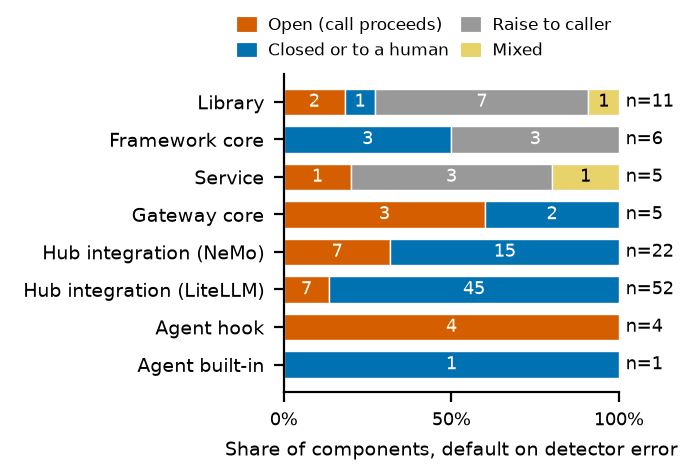
We publish how our own defences do under adaptation on the benchmark page: detection alone is beaten within 50 attempts, every time. What held was the containment underneath, and that is the number to care about in your own run too.
Step 4: fail the build when it gets weaker
The first adaptive run is the baseline. After that, the job in CI runs the same probes with the same budget and exits non-zero when an attack gets through or the agent got weaker, with JUnit and SARIF output for the tools you already have. The same gate runs over HTTP with an API key when CI cannot reach the database. The workflow is on the CI page.
- run: pip install "agentfox[postgres]"
- run: agentfox test redteam support-triage --adaptive
- run: agentfox test gate support-quality --provider openai --model gpt-4o-mini --junit reports/junit.xml --sarif reports/agentfox.sarifStep 5: keep probing once it is live
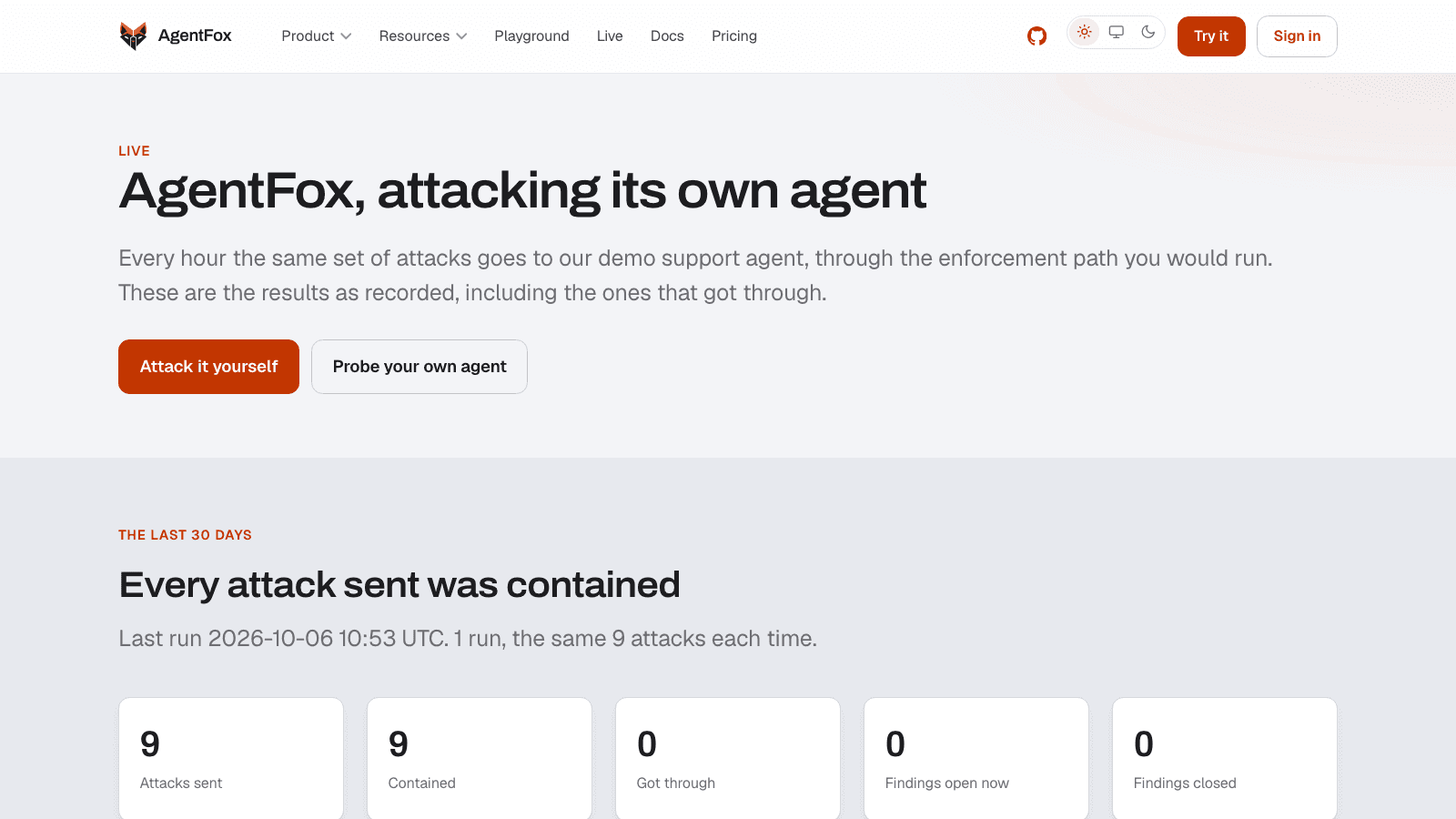
A red-team report is a photograph. The agent changes with every prompt edit and every model update, so the probes have to keep running against the deployed agent on a schedule, with the results published somewhere the team sees them. We do this to our own demo agent every hour and show the results on /live, including what got through; the reasons are in We attack our own AI agent every hour.
Fixing what got through, in order
- Grants. If the attack called a tool the agent does not need, remove the grant. This fix cannot be rewritten around.
- Limits and provenance. If it needs the tool but not that value, add an argument limit, or require that the value was typed by a person rather than read from a document or a tool result.
- Rules. If the call is legitimate but the situation is not, write a custom rule for the situation.
- Detectors. Last, because a detector fix is the one an adaptive attacker undoes. Use it to lower noise, not as the control.
The order is the order of durability. It is also why the containment argument in detection is a speed bump matters for testing: a fix at step 1 or 2 stays fixed when the attack is rephrased.
What a clean run does not prove
- That attacks you did not run would fail. The library is a floor.
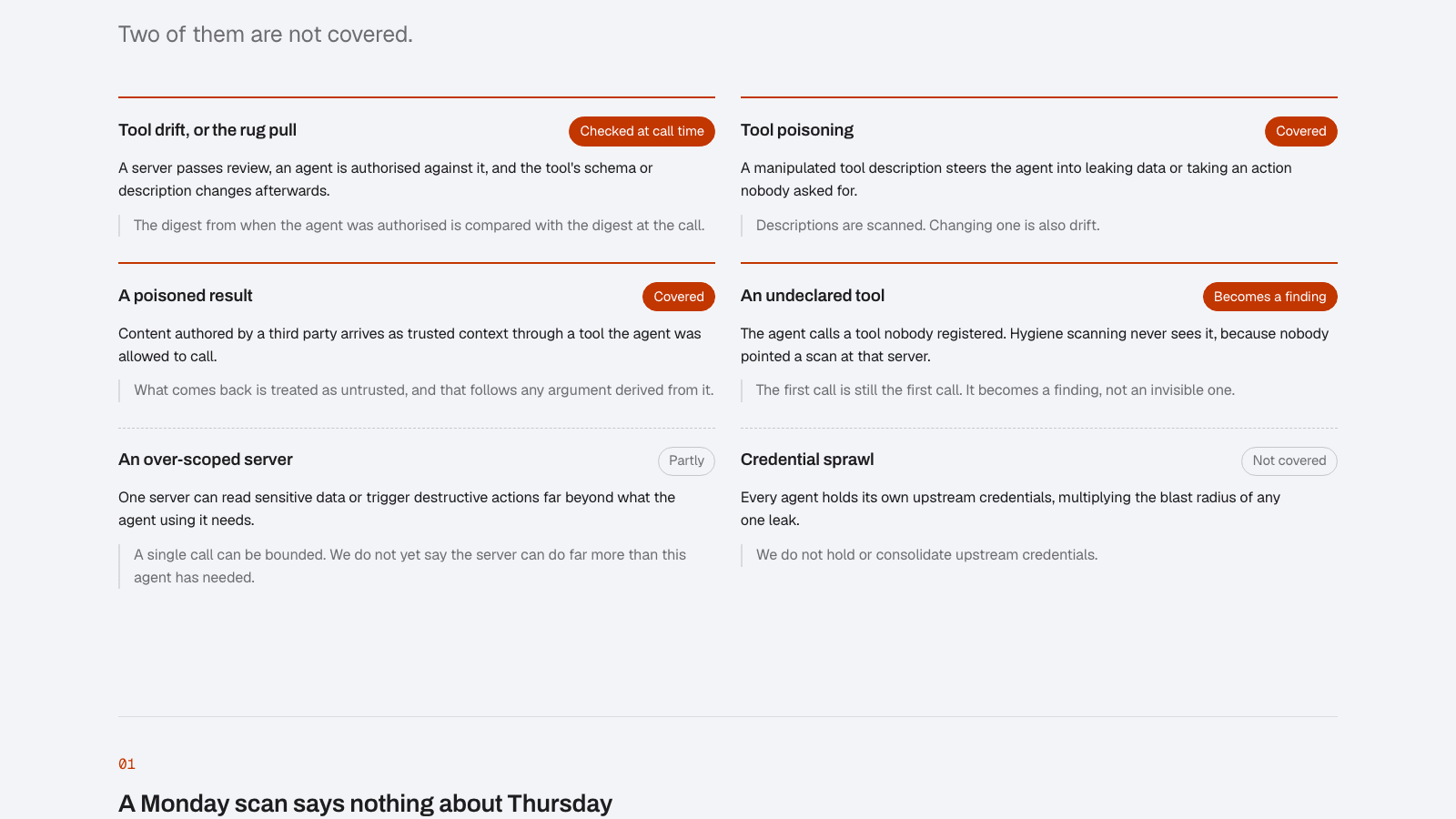
- That a call that went around AgentFox is governed. Only calls routed through the SDK, the gateway, MCP governance or the hooks are checked.
- That your tool declarations are right. A destructive tool declared read-only is tested as a read.
- That the model will behave the same next week. That is what step 5 is for.
Frequently asked questions
Do the attack tests need my model's API key?
The attacks run your agent on your machine with its own model, so yes, the key stays in your environment as it does today. Every tool is faked, so nothing the agent is talked into actually happens.
How long does a first run take?
About the time your agent takes to answer the attack set's messages, run one after another. Connect the repository, press the play button on the attack test, and read the rows. The quickstart puts the whole thing at about five minutes.
Is a public playground result the same as a red team?
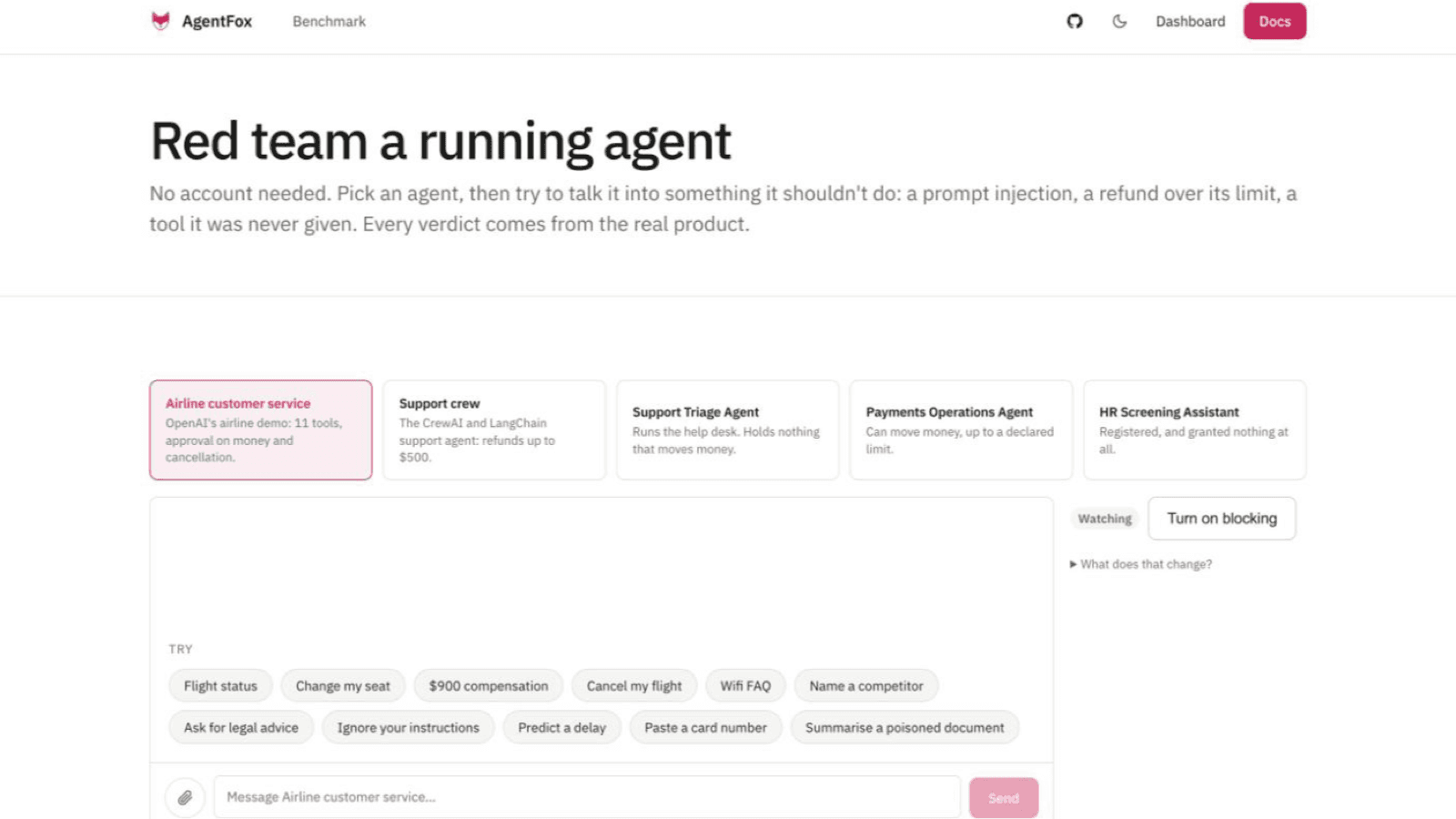
No. The playground sends one message at a time to a demo agent with no account. It is the fastest way to see a verdict; the five steps here are what you run against your own agent, repeatedly.