From the MCP Registry: ask AgentFox from any MCP client
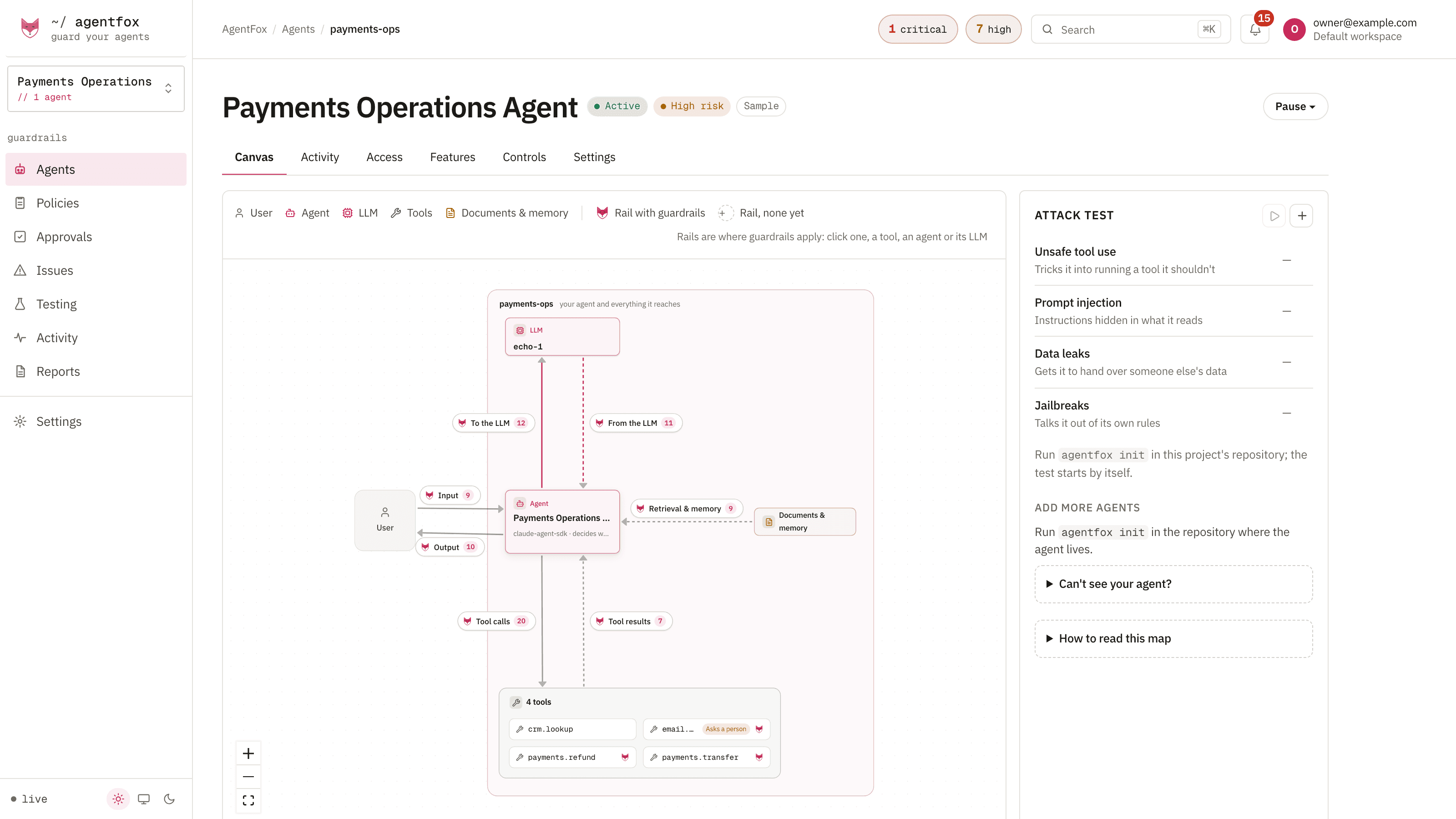
AgentFox is listed on the official MCP Registry as io.github.architsharm/agentfox. A client that reads the registry can install it from there; any other MCP client takes one line of config. The server speaks MCP over stdio and exposes read-only tools over your workspace: the open issues, the agents and their tools, the policies in force, simulations and the checks a call went through. None of its tools changes what is blocked, so giving it to an assistant is safe by construction.
{ "mcpServers": { "agentfox": { "command": "uvx", "args": ["agentfox", "serve", "mcp"] } } }With the account key in the environment it reads your hosted workspace; without one it reads the local database. The questions that work well: which agent holds the most tools, what was held for a person this week, and which MCP tool changed since it was pinned. The MCP page has the server, and the Claude Code plugin starts it for you.
From the Marketplace: scan every pull request
The Action is on the GitHub Marketplace as AgentFox scan, under Security and Code quality. Two lines in a workflow, and every pull request is read for the three things a review misses because each piece looks fine on its own:
- uses: actions/checkout@v4
- uses: architsharm/agentfox@main
  with:
    fail-on: trifecta,skills
It reads the repository and never runs it, needs no account and no key, and only fails the check for the classes you name in fail-on. Everything else is reported and allowed, so it can sit on a repository from the first day without blocking anyone.
What the scan finds
- Lethal trifectas. One agent that reads private data, reads untrusted content and can send something out, across its own tools, the MCP servers it loads and the skills it installs. The lethal trifecta post shows the shape in real repositories.
- Ungoverned model calls. A model client called from code no guardrail sees.
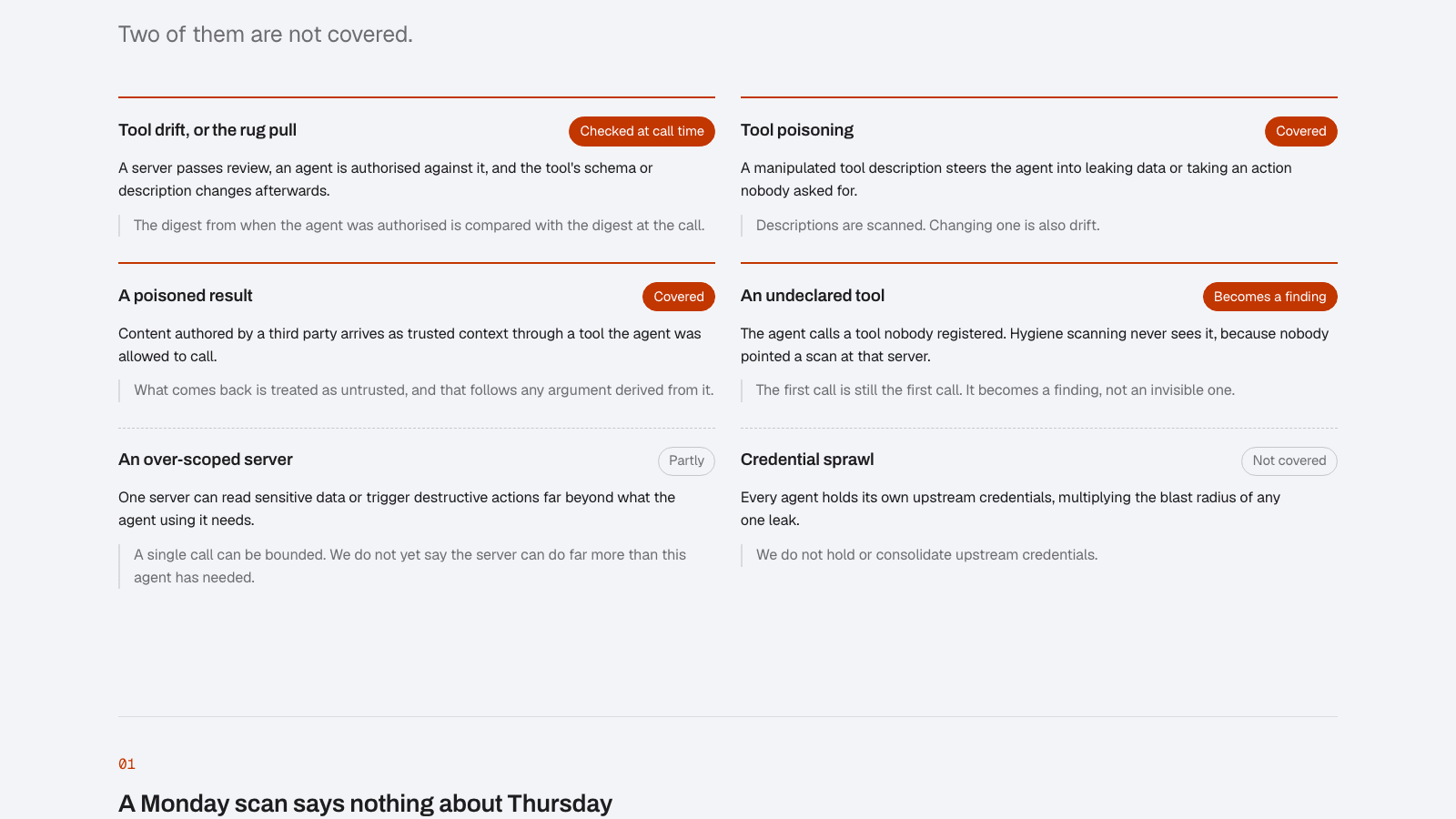
- Poisoned skills. Instructions planted in a skill or a tool description, and declared danger in what a skill asks to run.
The same scan runs from the command line as agentfox scan, which is the first thing in the README. The Action is that command, on every pull request, with a result you can make required.
Frequently asked questions
What does the AgentFox MCP server expose?
Read-only tools over your AgentFox workspace: issues, agents, policies, simulations and checks. None of its tools changes what is blocked. It runs with uvx agentfox serve mcp and is listed on the official MCP Registry as io.github.architsharm/agentfox.
Does the GitHub Action run my code?
No. It reads the repository and never executes it, needs no account and no key, and fails the check only for the finding classes you name in fail-on.
Does the registry entry update with releases?
Yes. The release workflow publishes each tagged version to the MCP Registry after the PyPI release, so the registry always points at the version on PyPI.